Submission PDF / order and margin handoff
Verify order, orientation and margins for a submission PDF
Fix page order, portrait or landscape orientation and margins before creating a PDF. Check the final exported file before delivery.
Submission PDF / order and margin handoff
Fix page order, portrait or landscape orientation and margins before creating a PDF. Check the final exported file before delivery.
A synthetic fixture can verify only the declared order, orientation and margin. Check the destination rules and final output separately.
| State | Meaning | Decision | Next step |
|---|---|---|---|
| Verified | Declared conditions match | Review the final PDF | Deliver with the sheet |
| Mismatch | Order, orientation or margin differs | Do not submit | Reorder or export again |
| Unknown | Unreadable or not inspected | Do not mark verified | Check the condition again |
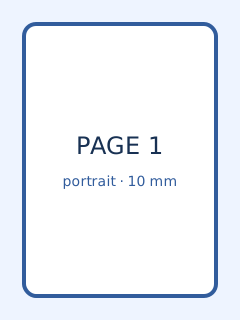
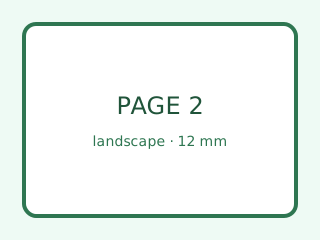
Compare page-1-portrait.svg, page-2-landscape.svg and page-3-portrait.svg with the expected order, orientation and margin table. No real image or personal data is used.
This guide and its fixtures are static files. No real image, input or PDF is sent or stored externally.
Verified means that the declared fixture conditions match. It does not guarantee every destination rule, PDF property or personal-data safety.