Screenshot / redaction handoff
Verify screenshot redaction in the saved image
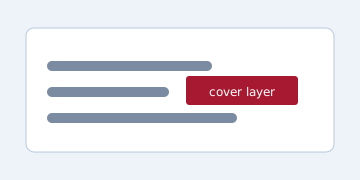
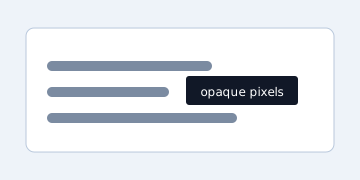
A visual cover is not redaction. Create a new output with opaque pixels in the marked region, then reopen it and check the saved result while keeping the source separate.
Screenshot / redaction handoff
A visual cover is not redaction. Create a new output with opaque pixels in the marked region, then reopen it and check the saved result while keeping the source separate.
An overlay is only a visual layer and may be removed or revealed. Share a new output where the marked region is replaced with opaque pixels.
| Example | State | Decision | Reason |
|---|---|---|---|
| Visual cover | visual layer | Do not share | Original text may remain |
| Saved output | opaque pixels | Verify after save | Check the marked region |
| Original file | kept separately | Do not overwrite | Preserve the source |
| Marked region | coordinates checked | Verify region | Reopen the saved image |
| Unknown region | off-screen or unreviewed | Stop and verify | Other sensitive content may remain |
| Unknown destination | rendering/acceptance unknown | Stop and verify | Do not guess safety |
This is a static browser-local guide. No real image, input or fixture is sent or stored externally.
A check of one marked region does not prove that every secret was found. Review the whole image, other layers and the destination's handling separately.